LinkedIn headshots

AI LinkedIn headshots

Your LinkedIn photo is the first thing a recruiter or new contact sees, usually as a small circle next to your name. Generate a clean, credible headshot from a few selfies, then check it at that size before you upload it.

Best for: LinkedIn profiles, recruiters and networking.
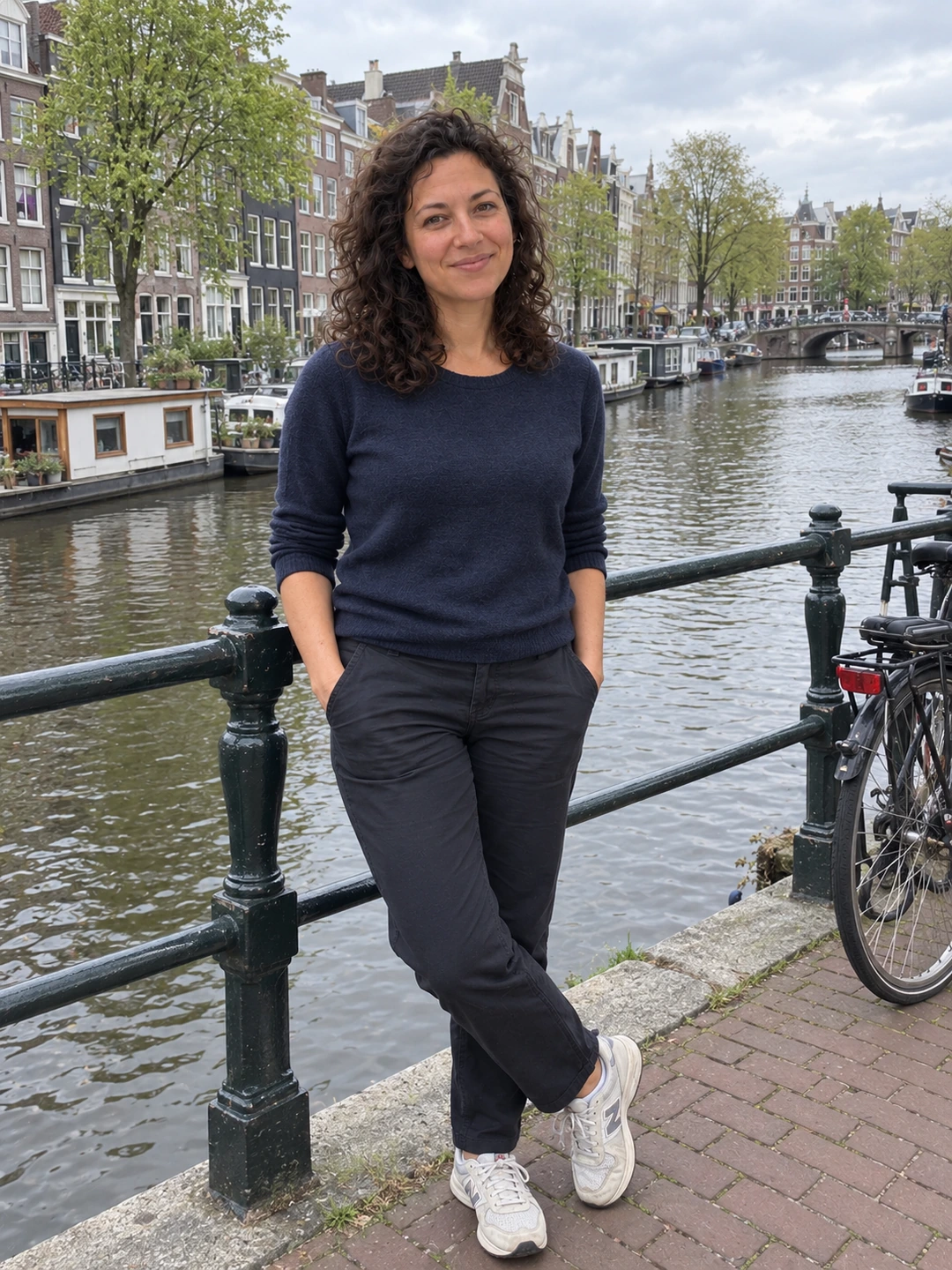
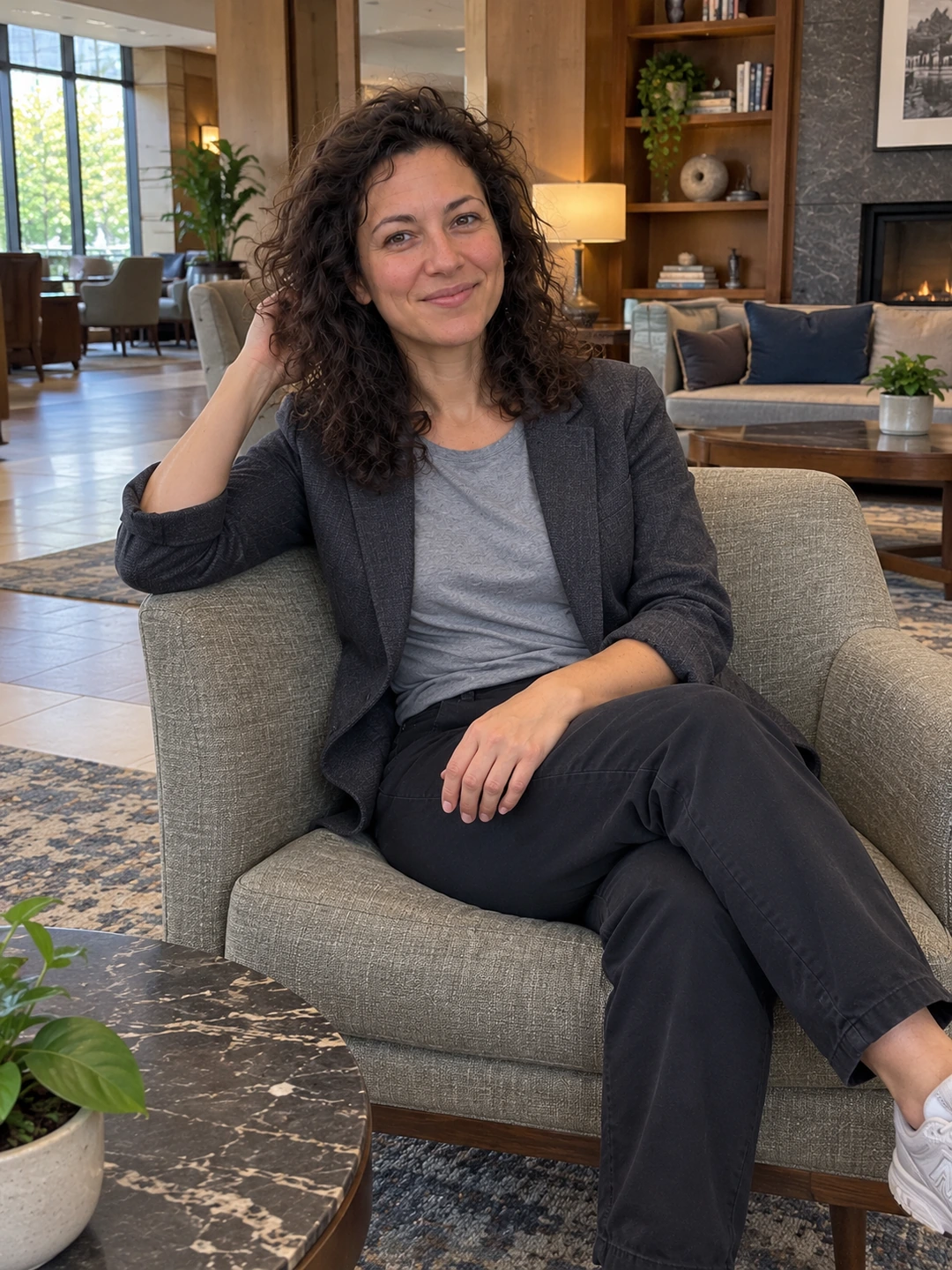
Clean professional portrait in natural daylight
LinkedIn
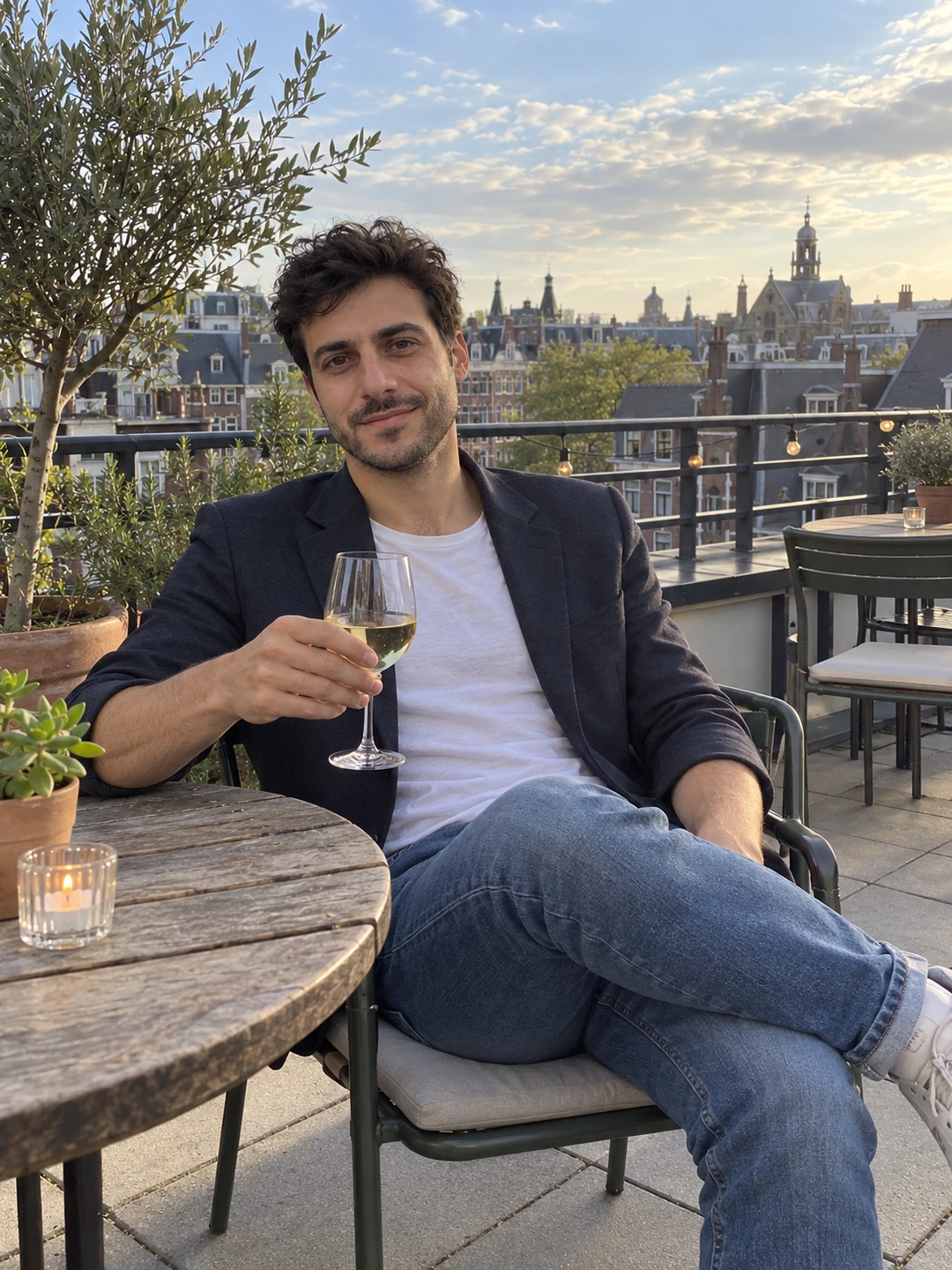
Business-casual portrait on a city rooftop
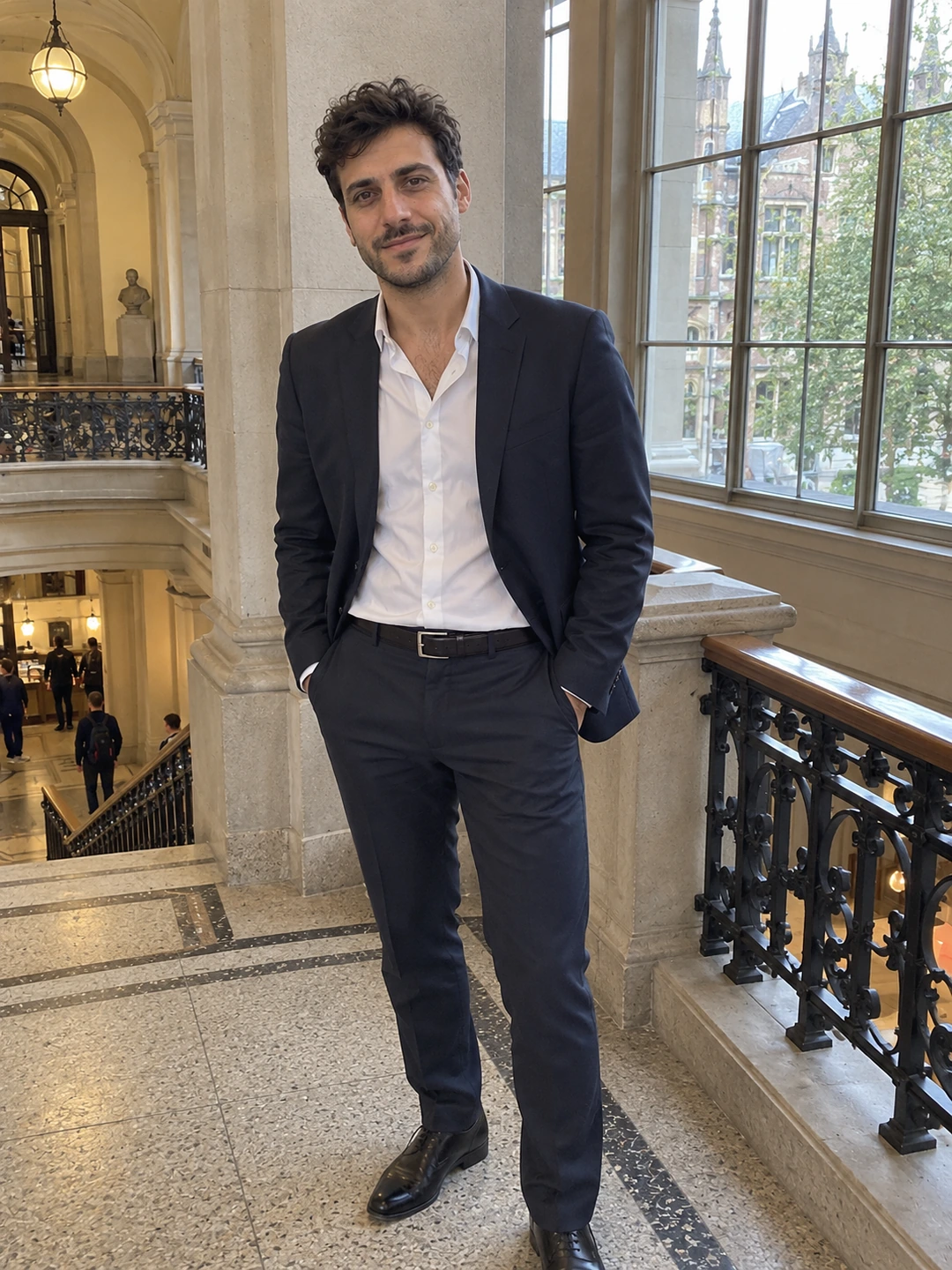
Formal professional portrait on an interior staircase
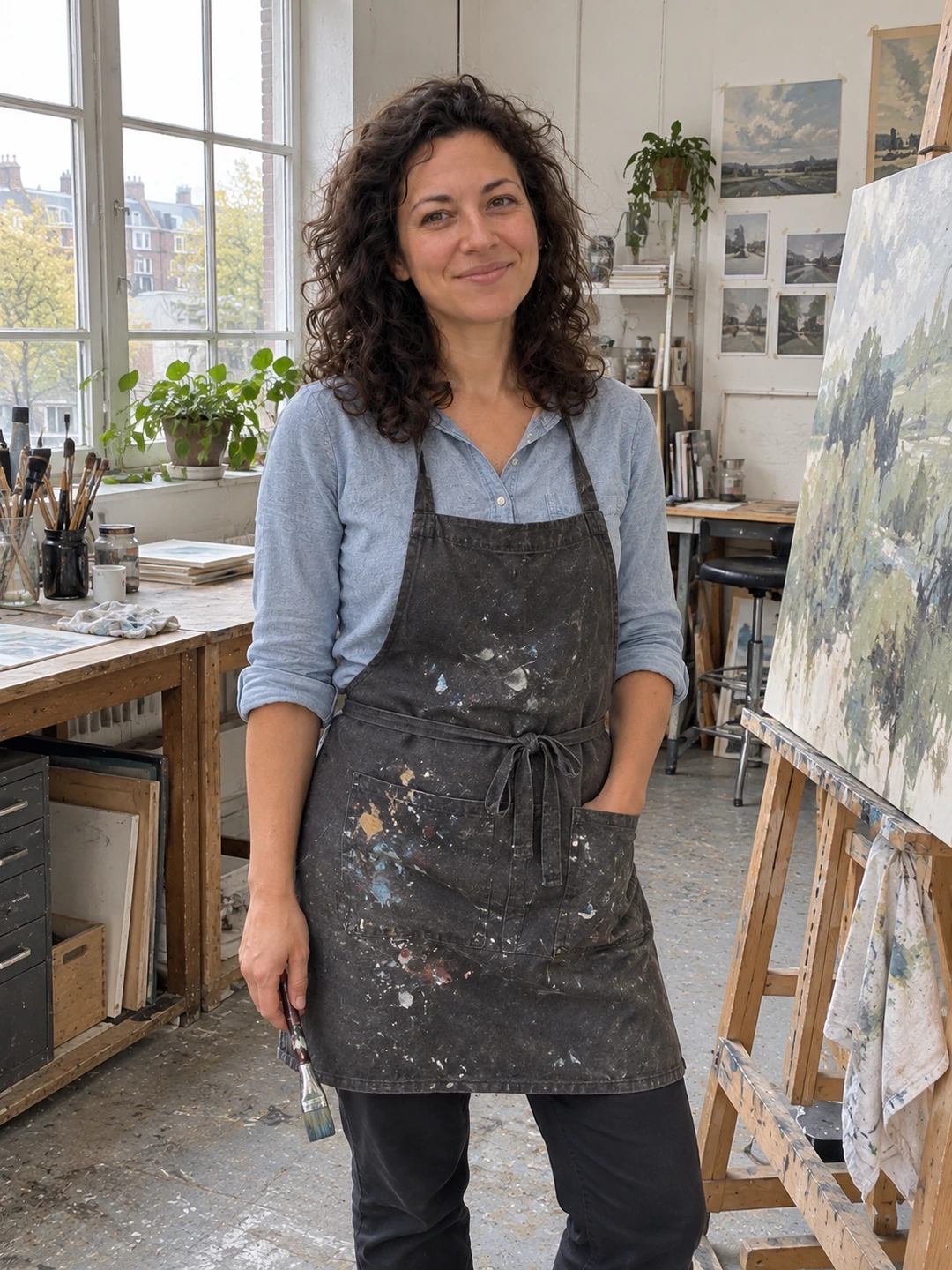
Creative professional portrait in a bright studio

What you get

Why linkedin headshots from PhotoDating.ai

Head-and-shoulders framing that reads well at small sizes
Neutral or softly blurred backgrounds
Business and business-casual styles from the same credits
A consistent look for LinkedIn, email and company pages

How LinkedIn shows your photo

  • It is uploaded as a square and shown as a circle. The corners are cut off, so keep your head and shoulders in the middle of the frame.
  • It is often tiny. Next to comments and in search results your photo is a thumbnail. If you can't recognise yourself at that size, crop tighter.
  • Upload at a sensible size. Our LinkedIn photo size guide lists the dimensions worth uploading at, and the free crop and resize tool makes a square crop in your browser.

Getting the look right

  • Dress for the job you do. A suit for law or finance, a smart shirt or knit for most other work. See what to wear for headshots.
  • Keep the background quiet. A plain or softly blurred office backdrop keeps attention on your face; see headshot background colours.
  • A relaxed, closed-mouth or small smile. Approachable reads better than serious on LinkedIn. Headshot poses covers angles and posture.

Using an AI headshot on LinkedIn

  • It must look like you. LinkedIn's profile photo guidelines say your photo must reflect your likeness, and LinkedIn can remove photos that don't.
  • Review every result. AI can change features, hairlines or glasses. Choose the portrait that a colleague would recognise in a meeting.
  • How it works here. Pick the headshot styles you want, add 3–5 current selfies, and each style becomes one portrait for 5 credits. Packs start at $12 for 8 photos.

Pricing

One pack. Every headshot style.

Every credit pack covers all dating and headshot styles with the same model. No subscription, and credits never expire.

01 / Starter

$12 USD / once

40 credits · 8 photos

  • Dating and professional styles
  • Full-resolution downloads
  • Generate one photo at a time
  • Unused credits never expire
Choose Starter ↗
02 / Profile

$24 USD / once

100 credits · 20 photos

  • Dating and professional styles
  • Full-resolution downloads
  • Generate one photo at a time
  • Unused credits never expire
Choose Profile ↗
03 / Pro

$39 USD / once

200 credits · 40 photos

  • Dating and professional styles
  • Full-resolution downloads
  • Generate one photo at a time
  • Unused credits never expire
Choose Pro ↗

Results vary. Review your portraits before sharing them.

More headshot styles

Support

LinkedIn headshots — FAQ

Can I use an AI headshot on LinkedIn?

LinkedIn's guidelines require a profile photo that reflects your likeness. An AI headshot made from your own selfies can meet that if it genuinely looks like you today, so review it carefully before uploading.

What makes a good LinkedIn headshot?

Your face clearly visible and centred, head and shoulders filling most of the frame, soft even light, a quiet background and clothes you would wear to work.

How many photos do I get?

One portrait per style you choose. The $12 Starter pack covers 8 photos, so you can try several headshot styles and keep the best one.

Get your linkedin headshots today

Choose your headshot styles, add 3–5 selfies and get one portrait per style. Packs from $12 for 8 photos.

One-time credit packs · No subscription · Your choice of styles